A live TV IPTV player has a different job from a film app. When you watch live channels, you switch often, check what is on now and next, jump between sport and news, and expect the picture to keep up with real time. Players that excel at on-demand libraries can feel clumsy with live TV, while players built for live viewing feel like traditional television.
This guide explains the features that matter most in a live TV IPTV player, how to configure them and which players are known for strong live-TV experiences.
Features that matter for live TV
| Feature | Why it matters |
|---|---|
| Fast channel switching | Live viewing means frequent zapping |
| Full EPG grid | See what is on across channels and time |
| Channel numbers | Jump directly, like traditional TV |
| Last-channel button | Flip between two channels quickly |
| Timeshift / catch-up | Pause, rewind or replay where supported |
| Multi-view | Watch several live channels at once |
| Buffer control | Balance smoothness against delay |
| Remote-friendly design | Comfortable use from the sofa |
Fast channel switching
Switching speed depends on the stream, your network and the player. Players that open streams efficiently and let you adjust buffering feel noticeably quicker. A one- to two-second keyframe interval on the service side also helps channels start promptly.
The programme guide
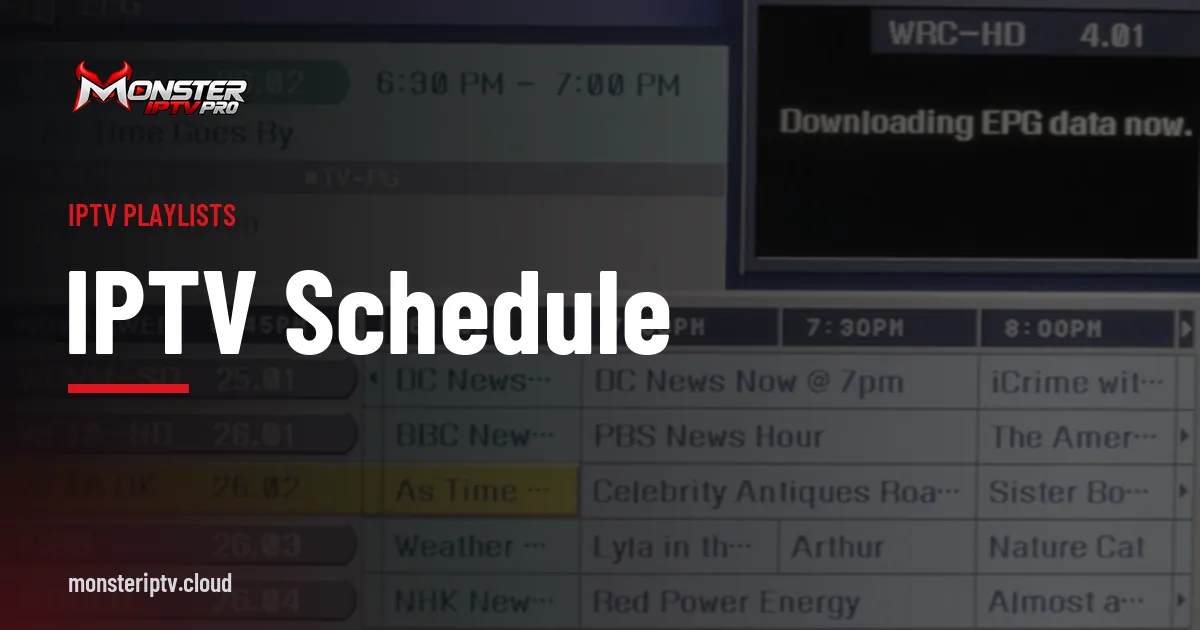
A live TV IPTV player lives or dies by its guide. Look for a grid view, quick scrolling, search and the ability to refresh guide data manually. Our guide to IPTV schedules and EPG data explains how guide information is matched to channels.
Channel numbers and favourites
Assigning numbers to favourite channels, then typing them on the remote, recreates the familiar TV experience. Combined with a last-channel button, it makes switching between two live events effortless.
Timeshift and catch-up
Some players can pause and rewind live TV using local buffering, and many can use a service's catch-up feature to replay recent programmes. Both depend on support from the player and, for catch-up, from the service on that channel.
Multi-view
Watching two or four channels at once is popular for sport. It uses more bandwidth and, usually, more of your plan's simultaneous connections, so check your plan before relying on it.
Live latency and buffer settings
Larger buffers reduce stutter on unstable connections but increase delay behind live. If spoilers matter, use the smallest buffer that still plays smoothly on your network, and use Ethernet where possible. Our guide to IPTV streaming quality covers network improvements.
Players known for live TV
| Player | Live TV strengths |
|---|---|
| TiviMate | Traditional guide, channel numbers, multi-view (premium) on Android TV |
| IPTV Smarters Pro | Simple live TV section with guide on many platforms |
| Kodi with PVR IPTV Simple Client | Full TV interface with guide on PCs and Android TV |
Our TiviMate IPTV player guide covers one of the most popular live-TV players in detail.
Setting up a live TV IPTV player for best results
- Load your playlist or Xtream login and the EPG.
- Hide channel groups you never watch.
- Build favourites and assign channel numbers.
- Adjust buffer and decoder settings for your network.
- Test switching speed and guide accuracy in the evening.
Common mistakes
- Using an on-demand-focused app for mostly live viewing.
- Leaving huge channel lists unorganised.
- Setting very large buffers and then complaining about delay.
- Forgetting that multi-view uses extra connections.
A worked example
A sports fan finds channel switching slow and the guide cluttered. They move to a live-focused player on their Android TV box, hide unused groups, number their favourite sports and news channels, and reduce the buffer slightly on their Ethernet-connected box. Switching becomes quick and the delay behind live shrinks.
Checklist
- Prioritise switching speed and guide quality.
- Use channel numbers and favourites.
- Configure timeshift or catch-up where supported.
- Tune buffers for your network.
- Check plan limits before multi-view.
Key terms
- Zapping: quickly switching between channels.
- Timeshift: pausing or rewinding live TV.
- Catch-up: replaying recent programmes provided by the service.
Using a live TV IPTV player with Monster IPTV
Monster IPTV works with third-party players, and support can recommend a live-focused player for your device. See the supported devices page or request the free trial.
Live TV on phones and tablets
On mobile devices, a live TV IPTV player should offer picture-in-picture, a compact guide and the option to limit quality on mobile data. Watching live sport on the move uses a lot of data, so Wi-Fi is preferable where possible.
Organising for a household
If several people use the same player, agree a shared favourites list for the main TV and use profiles or separate devices for personal lists. Parental controls can lock categories for younger viewers.
When to switch players
If switching is slow, the guide is unreliable or the interface frustrates you even after tuning settings, try another player with the same login. Live-focused players differ noticeably, and a quick side-by-side test usually reveals a clear favourite.
Keeping the guide accurate
Refresh the guide after daylight-saving changes and whenever programmes appear out of sync with what is playing.
Using the last-channel button
Assign the previous-channel function to a convenient remote button so you can flip between two live events instantly.
Frequently asked questions
What is the best live TV IPTV player?
It depends on your device. TiviMate is popular on Android TV; IPTV Smarters Pro covers many platforms; Kodi suits PCs connected to TVs.
Why is channel switching slow?
Stream characteristics, network conditions and player buffering all play a part. Try Ethernet and adjust buffer settings.
Can a live TV IPTV player pause live TV?
Some can using local timeshift; others rely on the service's catch-up feature where available.
Does multi-view use more of my plan?
Usually yes, because each channel is a separate stream.
How do I reduce delay behind live broadcasts?
Use a smaller buffer and a wired connection, while keeping playback smooth.
Summary
A great live TV IPTV player switches channels quickly, offers a clear guide with channel numbers, supports timeshift or catch-up where possible and lets you tune buffering. Organise your channels, test in the evening and choose a player built for live viewing.