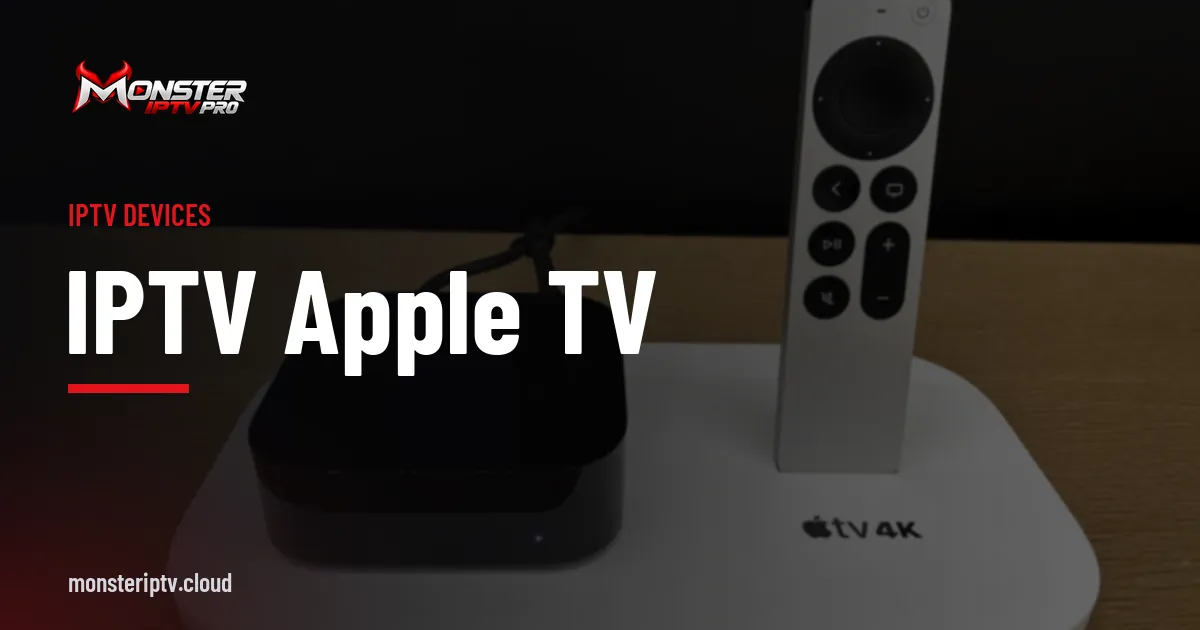
An IPTV Apple TV setup gives you a fast, polished streaming box with regular software updates and a tidy remote. Apple TV runs tvOS and installs apps only from Apple's App Store, so your choice of IPTV player depends on what developers offer for tvOS. The good news is that several capable players are available.
This guide explains how IPTV player apps work on Apple TV, what to look for, how to set one up, and how to get the best picture.
Why choose Apple TV for IPTV?
- Performance. Recent Apple TV 4K models are quick, with smooth menus and channel switching.
- Updates. Apple supports its devices with tvOS updates for many years.
- Codec support. Apple TV 4K supports HEVC and HDR formats including Dolby Vision and HDR10.
- Ethernet. Some Apple TV 4K models include an Ethernet port, which is ideal for stable live streams.
The trade-offs are a higher price than streaming sticks and app choice limited to the App Store. Ordinary users cannot sideload apps on Apple TV, so choose a player that is available in the App Store in your region.
What to look for in an Apple TV IPTV player
| Feature | Why it matters |
|---|---|
| Xtream Codes and M3U login support | Matches the login type your provider sends |
| EPG (programme guide) support | Shows what is on now and next |
| Good remote navigation | Channel switching should be quick with the Siri Remote |
| Favourites and groups | Makes large channel lists manageable |
| Multi-device sync | Handy if you also watch on iPhone or iPad |
| Clear pricing | Many tvOS players charge a one-time fee or subscription |
Players such as GSE Smart IPTV have offered tvOS versions, and others appear and change over time. Search the App Store on your Apple TV for "IPTV player" and read recent reviews. Our guide to GSE Smart IPTV covers one long-standing option, and our general guide to choosing an IPTV player explains the features in more depth.
Setting up IPTV on Apple TV
- Update tvOS. Go to Settings, then System, then Software Updates.
- Install a player app from the App Store on the Apple TV.
- Choose the login type that matches your details: Xtream Codes API or M3U playlist URL.
- Enter your details. Typing long addresses with the Siri Remote is tedious, so use the on-screen keyboard prompt on your iPhone if it appears, or the Apple TV Remote in Control Centre.
- Load the EPG. Some apps need the guide address entered separately; others load it automatically.
- Organise favourites so your most-watched channels are easy to reach.
Getting the best picture
- Use Ethernet if your model has a port, especially for live sport.
- Match frame rate and dynamic range. In Settings, then Video and Audio, turn on Match Content options so the Apple TV switches to the stream's frame rate and dynamic range rather than converting it.
- Check the HDMI connection. Use a cable that supports your TV's 4K HDR modes.
- Keep the app updated for bug fixes and codec improvements.
For network tips, read our guide to IPTV streaming quality.
Common IPTV Apple TV problems
Login fails
Check the server address, including http:// or https:// and the port number. Spaces at the end of a username or password copied from a message can also cause errors.
Guide is empty
Refresh the EPG in the app settings or enter the guide address manually if your provider supplies one.
Picture looks too bright or dull
Turn on Match Dynamic Range so HDR and SDR content each display correctly.
Apple TV versus other streaming devices
Apple TV costs more than a Fire TV Stick or many Android TV boxes, but it offers strong performance, long software support and a consistent user experience. If you already use an iPhone or iPad, it fits neatly into that ecosystem. If you want the widest choice of player apps, an Android TV box offers more; see our IPTV box guide.
Is an IPTV Apple TV setup worth it?
For many households, yes. An IPTV Apple TV setup combines a responsive interface, reliable updates and strong picture quality, and the Siri Remote makes channel browsing straightforward once favourites are organised. It is particularly appealing if you already own other Apple devices, because many players sync purchases or settings across iPhone, iPad and Apple TV.
It is less appealing if you want the widest range of free player apps, or if you are on a tight budget. In those cases, a Fire TV Stick or a good Android TV box gives you more choice for less money. The right answer depends on your existing devices and how much you value polish over flexibility.
Using Monster IPTV on Apple TV
Apple TV is not yet on the confirmed device list for Monster IPTV, though iPhones are. If you want to watch on Apple TV, ask support before ordering and use the free trial to test your chosen tvOS player. You can contact support on WhatsApp or Telegram.
Frequently asked questions
Does an IPTV Apple TV player support the programme guide?
Most well-established tvOS players support EPG data, either loaded automatically with an Xtream Codes login or from a separate guide address. Check the app listing for EPG support before buying.
Do Apple TV IPTV apps cost money?
Many do, either as a one-time purchase or a subscription. Some offer a free tier with limits. Check the App Store listing.
Which Apple TV model is best for IPTV?
A recent Apple TV 4K offers the best performance and codec support. Models with an Ethernet port are ideal for live streaming.
Can I use the same IPTV app on my iPhone?
Many tvOS players also have iPhone and iPad versions, sometimes with shared purchases or synced settings. Check the app's listing.
Why does my Apple TV stream look choppy?
Often because frame rate matching is off, or because Wi-Fi is weak. Turn on Match Frame Rate and try a wired connection.
Summary
IPTV on Apple TV works well with a good tvOS player, careful login entry and a stable connection. Choose an app that supports your provider's login type and the programme guide, turn on content matching, and test before committing to a plan.