People searching for chillio iptv apple tv usually want to know whether the Chillio player works on Apple TV and how to set it up. Chillio has been listed as a media and IPTV player app for Apple devices, but app features, pricing and availability change, and Monster IPTV is not affiliated with its developer. This guide gives you a neutral way to evaluate the app and a general setup process that applies to most third-party players on Apple TV.
As with every player, Chillio does not include TV channels. You add a playlist or login from a service you subscribe to separately.
Chillio IPTV Apple TV: checking the App Store listing first
Before installing any player on Apple TV, open its App Store page on the device and check:
| Item | What to look for |
|---|---|
| Developer | Name, website and support contact |
| tvOS support | Confirmation that an Apple TV version exists |
| Last update | Recent updates suggest active maintenance |
| Pricing | Free, one-time purchase, subscription or in-app upgrades |
| Features | M3U, Xtream Codes, EPG, favourites |
| Reviews | Recent comments from Apple TV users |
If the listing does not mention Apple TV, the app may only run on iPhone and iPad.
What a player like Chillio needs from you
- A playlist link (M3U) or Xtream Codes details (server, username, password), depending on what the app supports.
- An EPG link if the guide does not load automatically.
- A stable connection, ideally Ethernet if your Apple TV model has a port.
General setup steps on Apple TV
- Update tvOS in Settings, then System, then Software Updates.
- Install the player from the App Store on the Apple TV.
- Open it and choose the option to add a playlist or account.
- Enter your details. Use the keyboard prompt on your iPhone if it appears, which is far easier than typing with the remote.
- Add the EPG link if needed and refresh the guide.
- Mark favourite channels for quick access.
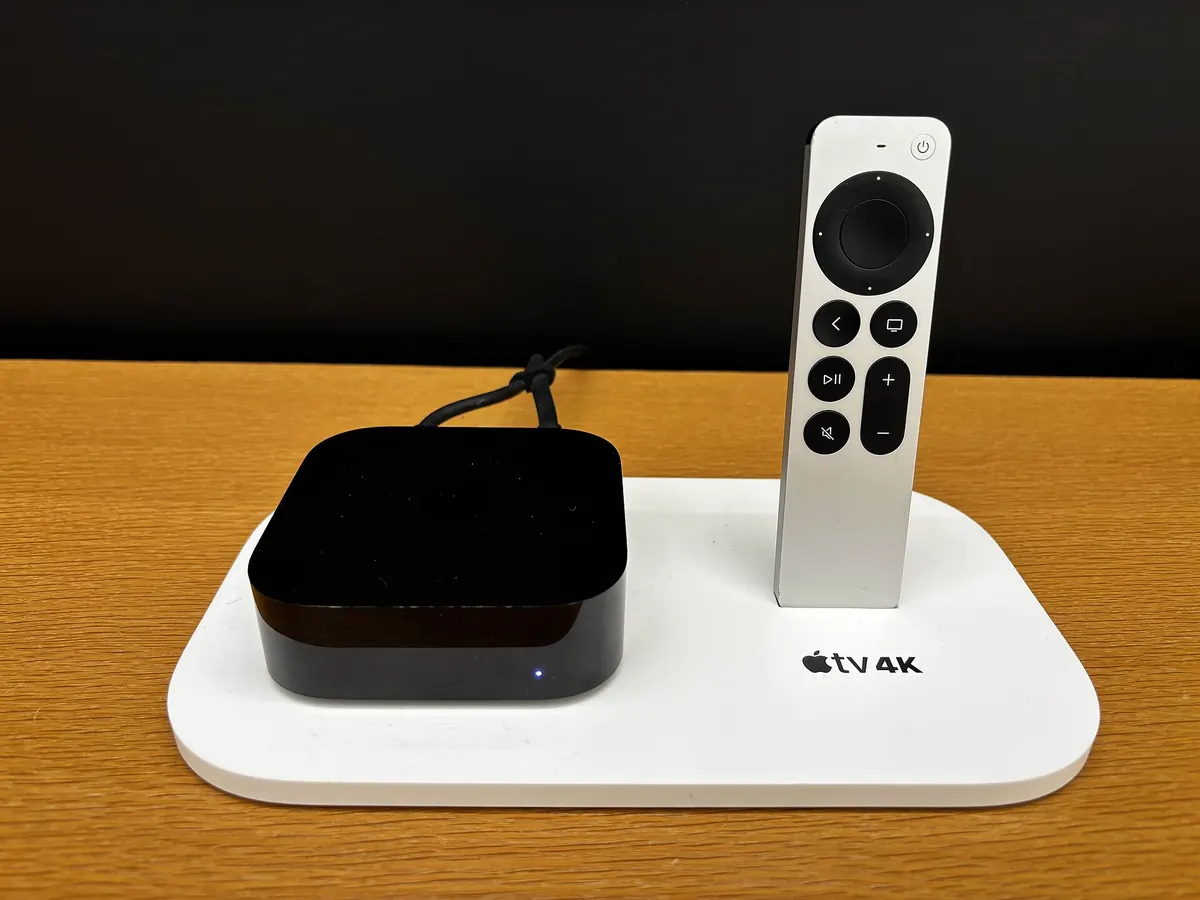
Tuning tvOS for IPTV
- Match Content: in Settings, Video and Audio, turn on Match Dynamic Range and Match Frame Rate so streams display at their native settings.
- Resolution: set the Apple TV to your TV's native resolution.
- Network: use Ethernet where available, or keep the Apple TV within good Wi-Fi range.
These settings often fix judder or washed-out colours that people blame on the stream.
Common problems and fixes
| Problem | Likely cause | Fix |
|---|---|---|
| App not found on Apple TV | No tvOS version in your region | Use another tvOS player |
| Playlist will not load | Wrong link or expired account | Recheck the link; confirm the account |
| No programme guide | EPG not added or not matched | Add the EPG link and refresh |
| Choppy motion | Frame rate mismatch | Turn on Match Frame Rate |
| Login fails | Typo or URL format | Include scheme and port; retype |
Alternatives on Apple TV
If Chillio does not suit you, other tvOS players are available in the App Store. Our guides to IPTV on Apple TV, the IPTV player guide and GSE Smart IPTV compare options. Try two players with the same login and keep the one that feels quickest with the Siri Remote.
A worked example
A viewer with an Apple TV 4K installs Chillio after checking that the App Store listing mentions Apple TV and was recently updated. They add an M3U link and an EPG link supplied by their provider. Motion looks jerky on sport, so they enable Match Frame Rate, which fixes it. They then compare the app with another tvOS player for a week before deciding which to keep.
Checklist
- Confirm a tvOS version exists.
- Check developer, updates and pricing.
- Have your playlist or login and EPG link ready.
- Enable Match Content settings.
- Compare with another player.
Key terms
- tvOS: Apple TV's operating system.
- Match Frame Rate: a tvOS setting that switches output to the content's frame rate.
- EPG: the electronic programme guide.
Using a player on Apple TV with Monster IPTV
Apple TV is not yet on Monster IPTV's confirmed device list, though iPhones are. If you plan to watch on Apple TV, ask support before ordering and use the free trial to test your chosen player. You can contact support on WhatsApp or Telegram.
Why people search for chillio iptv apple tv
Apple TV users have fewer IPTV player choices than Android TV users, because apps must come from the App Store and cannot be sideloaded. That makes people search for specific app names, such as Chillio, to find out whether they run on tvOS and how they compare. The most useful answer is always to check the current App Store listing on the Apple TV itself, because availability can differ from the iPhone version and between countries.
Organising channels on Apple TV
Large channel lists are awkward with a remote. Spend a few minutes after setup marking favourites, hiding categories you never watch and checking whether the app supports channel numbers or search. A tidy list makes the Siri Remote much more comfortable to use every day, whichever player you choose.
Keeping the app updated
Turn on automatic app updates in tvOS settings so fixes arrive without effort.
Frequently asked questions
Does Chillio IPTV work on Apple TV?
It has been listed as a player for Apple devices. Check the App Store on your Apple TV to confirm a current tvOS version.
Does Chillio include channels?
No. It plays streams from a playlist or service you provide.
Is Chillio free?
Pricing can change. Check the App Store listing for current free features, purchases or subscriptions.
Why can't I type my playlist link easily?
Use the keyboard prompt that appears on a nearby iPhone, or the Apple TV Remote in Control Centre.
What if Chillio stops working after an update?
Restart the Apple TV, check for app updates and contact the developer through its support link.
Summary
To use chillio iptv apple tv setups successfully, confirm the tvOS version, check the developer and pricing, add your playlist and guide, enable Match Content settings and compare with another player. Remember that the app supplies no channels, only the player.