A public IPTV stream URL is the web address of a single channel's live stream that a broadcaster has made openly available. Playlists are really just lists of these URLs with names attached. Understanding what a stream URL looks like, why some stop working and how to test one safely helps you build reliable public channel lists and avoid dubious links.
This guide covers the anatomy of a stream URL, common formats, why links expire, how to test them and where to find official ones. For whole playlists, see our guide to checking a free public IPTV playlist.
Anatomy of a stream URL
Take an illustrative example: https://live.example-broadcaster.tv/news/index.m3u8
| Part | Example | Meaning |
|---|---|---|
| Protocol | https:// | How the player connects; HTTPS is encrypted |
| Host | live.example-broadcaster.tv | The server or delivery network |
| Path | /news/ | Where the stream lives on the server |
| File | index.m3u8 | The stream's playlist file |
Some URLs also include query parameters after a question mark, such as tokens or session IDs.
Common stream formats
| Ending or protocol | Format | Notes |
|---|---|---|
.m3u8 | HLS | The most common format for public streams |
.mpd | MPEG-DASH | Used by some broadcasters |
udp:// or rtp:// | Multicast | Used on private networks, not the public internet |
rtmp:// | RTMP | Mostly used for sending streams to platforms |
Most public streams you will meet are HLS, ending in .m3u8.
Why public links stop working
- Tokens expire: some URLs include time-limited tokens and work only for a short period.
- Broadcasters move streams: new servers or delivery networks change the address.
- Geo-blocking: a stream may work only in its home country.
- Channels close or change names.
Links with long random tokens are often meant to be fetched fresh by the broadcaster's own player and are not stable for playlists.
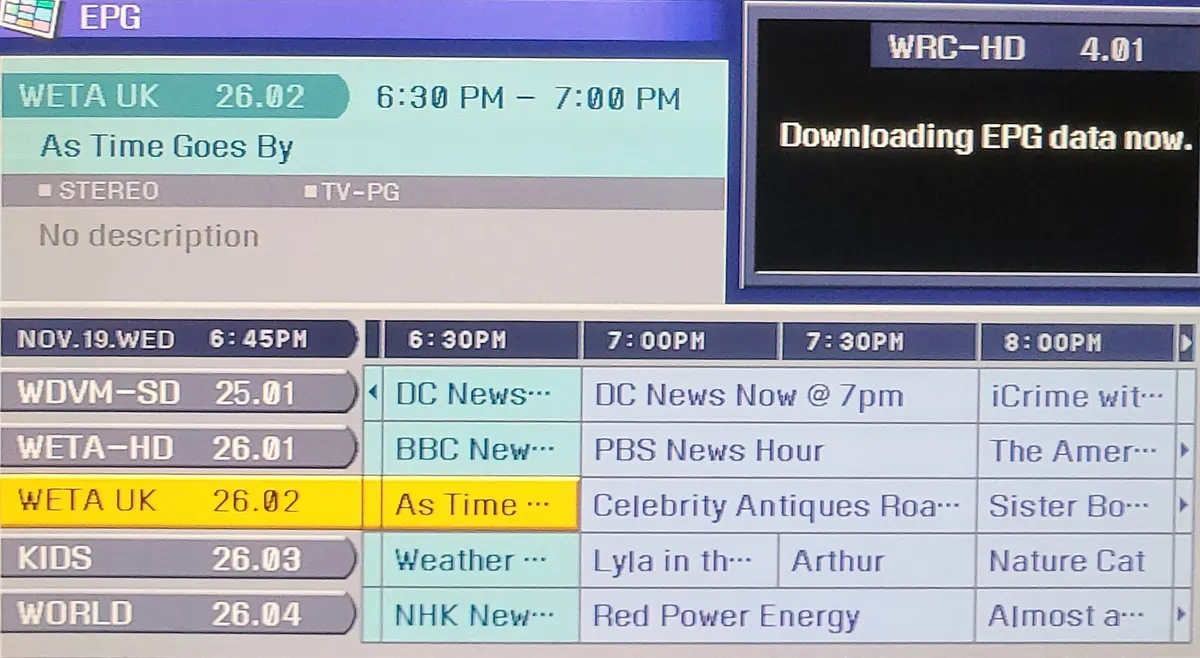
Testing a single stream URL safely
- Copy the URL from a trusted source.
- Open VLC on a computer and choose Open Network Stream.
- Paste the URL and play.
- Use VLC's codec information to see resolution and bitrate.
- If it fails, check whether it is geo-blocked or expired rather than retrying endlessly.
Never install software that a website says you need to "unlock" a stream URL.
Where to find official public stream URLs
- Broadcaster websites and apps: some publish live streams openly.
- Established open-source projects: these collect openly published streams and update them; our iptv org guide explains how to use them.
- Free ad-supported (FAST) services: often available through apps rather than raw URLs.
Adding a URL to your own playlist
An M3U entry needs two lines:
`` #EXTINF:-1 group-title="News",Example News https://live.example-broadcaster.tv/news/index.m3u8 ``
Save the file as .m3u in UTF-8 and load it in your player.
Warning signs in stream URLs
- URLs for premium subscription channels shared publicly.
- Addresses on random IPs that change every few days.
- Links distributed in chat groups with "use quickly".
- Pages that require you to install an app before revealing the URL.
These usually indicate unauthorised streams that carry legal and security risks. Laws vary by country; this is general information, not legal advice.
Checking a stream's details
Once a stream plays, look at what it delivers. In VLC, the codec information window shows the video codec, resolution, frame rate and audio format. HLS streams often offer several quality levels; the player picks one based on your connection. If a public stream looks soft, it may simply be published at a modest resolution, which is common for local and community channels.
Keeping a list of stream URLs healthy
Public URLs change, so treat any list as something to maintain:
- Retest your channels every few months.
- Record the source of each URL so you know where to look for updates.
- Replace dead links with fresh ones from the same trusted source.
- Remove channels that have closed rather than keeping dead entries.
Respecting the broadcaster
Public streams are offered by broadcasters for viewers, often within their own country. Use them as intended: watch through a player, do not rebroadcast them, and respect geographic restrictions.
Common mistakes
- Using token URLs in permanent playlists.
- Assuming a URL that works abroad will work at home, or vice versa.
- Copying links from untrusted sources.
- Confusing multicast URLs from a hotel network with public internet streams.
A worked example
A viewer copies a public IPTV stream URL for a news channel from a broadcaster's page. It plays in VLC for an hour, then stops. Looking closer, they see a long token in the URL. They switch to the link listed by an established open-source project, which uses a stable address, and add it to their playlist.
Checklist
- Read the URL's parts.
- Prefer stable HLS links without short-lived tokens.
- Test in VLC first.
- Use official or established sources.
- Avoid premium channel URLs shared publicly.
Key terms
- HLS: HTTP Live Streaming, using
.m3u8playlists. - Token: a time-limited code in a URL that authorises access.
- Geo-blocking: limiting streams to certain countries.
Sharing your list responsibly
If you share a personal list with family, include only openly published channels and note where each public IPTV stream URL came from. That makes updates easy and keeps everyone on legitimate sources. Avoid posting lists publicly where they may be copied and altered.
HTTPS versus HTTP
Prefer stream URLs that start with https://. Encrypted connections protect against tampering on the way to your device, and some modern players and TVs restrict plain http:// streams.
Frequently asked questions
What is a public IPTV stream URL?
The address of a channel's live stream that a broadcaster makes openly available.
Why does my stream URL stop working?
Tokens expire, streams move, channels close or the stream is geo-blocked.
What does .m3u8 mean?
It indicates an HLS stream playlist, the most common public stream format.
How do I test a stream URL?
Open it in VLC on a computer using Open Network Stream.
Where can I find official stream URLs?
From broadcaster websites and established open-source projects.
Summary
A public IPTV stream URL is one channel's stream address. Read its parts, prefer stable HLS links from official or established sources, test in VLC and avoid publicly shared premium channel URLs. See also our public IPTV playlist guide.