Public IPTV playlists collect channels that broadcasters publish openly, such as public broadcasters, local stations, music channels and free ad-supported channels. Most people start with one large list and quickly find it overwhelming. A better approach is to build small themed lists: one for news, one for music, one for children, one for learning. Themed lists load faster, are easier to browse with a remote and suit different people in the household.
This guide shows how to source, test and organise themed public IPTV playlists. For background on public playlists, see our public IPTV playlist guide; for checking a list's legitimacy, see our guide to the free public IPTV playlist.
Why themed lists work better
| Single large list | Themed lists |
|---|---|
| Thousands of entries | A few dozen channels each |
| Slow on TV sticks | Loads quickly |
| Hard to browse with a remote | Easy to scan |
| Mixed content for everyone | Tailored to each viewer |
Where to find openly published channels
- Established open-source projects that sort public streams by category, country and language.
- Broadcaster websites that publish their live stream addresses.
- FAST services built into many TVs, often available as apps rather than playlists.
Avoid lists that include premium subscription channels; those are not public.
Theme 1: news
Public broadcasters and international news channels often publish live streams. A news list might include your country's public news channel, an international news channel in your language and one or two regional channels. Keep it short so you can switch quickly during breaking news.
Theme 2: music
Music channels are among the most common openly published streams. A music list is ideal for background listening or parties. Group by genre if you have several.
Theme 3: children
Some public broadcasters publish children's channels or programming streams. Check content suitability yourself, and combine the list with parental controls in your player. Keep it in a separate profile or playlist so children see only their channels.
Theme 4: learning and languages
Documentary channels, educational broadcasters and news in other languages make good learning lists. Language learners can build a list for the language they are studying, mixing news and children's programming for different levels.
Building a themed list
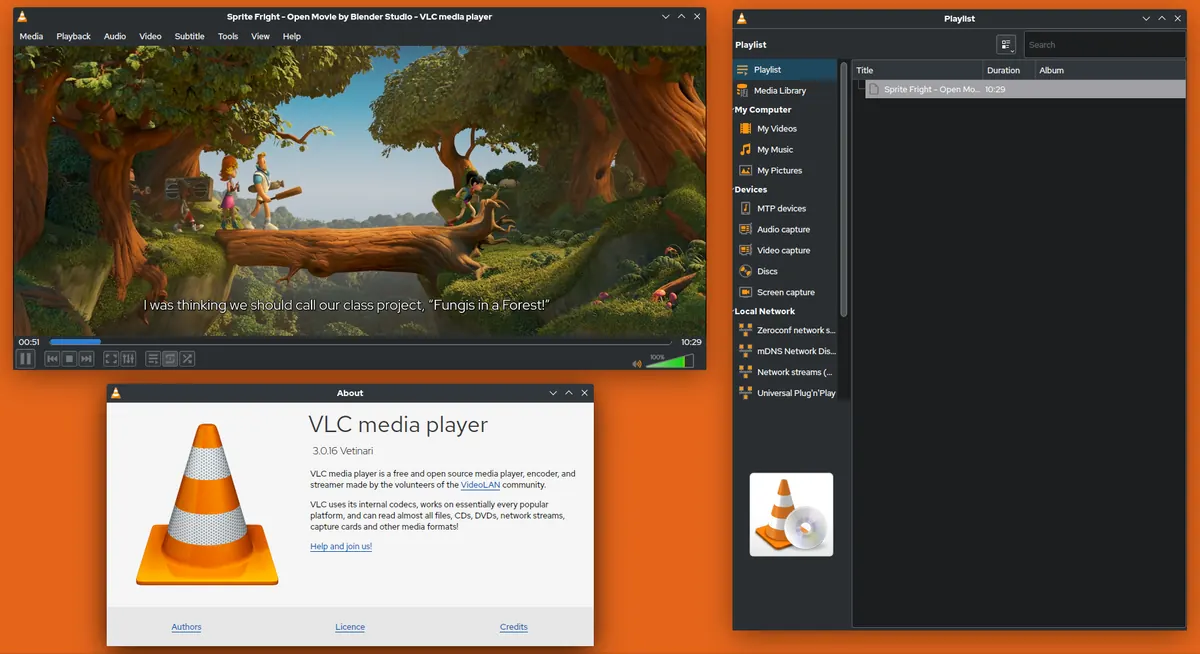
- Load a category or language list from a trusted source in VLC on a computer.
- Play each candidate channel and keep those that work from your location.
- Save a new playlist containing only those channels.
- Name it clearly, such as "News", "Music" or "Kids".
- Load it into your TV player as a separate playlist or profile.
Our IPTV editor guide explains editing M3U files by hand.
Keeping lists fresh
- Retest every few months.
- Replace dead links from the original source.
- Note the source of each channel in a comment or separate file.
Respecting broadcasters
Public streams are offered for viewing, often within their own country. Respect geo-restrictions and do not rebroadcast streams.
Sharing themed lists with family
Themed lists are easy to share within a household. Save them on a shared drive or copy them to each device, and keep a master copy on a computer. When you update the master, copy it again to each TV and phone. If different family members prefer different themes, give each person a playlist or profile with their own list.
Combining public lists with your subscription
Many players let you add more than one playlist. You can keep your subscription as the main playlist and add a small public list for extra news or music channels. Name each playlist clearly so it is obvious which is which, and remember that each stream playing at the same time may count toward your subscription's device limit if it uses the same app account.
Guides for public channels
Some public lists come with guide data; many channels have none. If your player supports EPG links, add the guide recommended by the list's source and expect gaps. A themed list without a guide is still useful for music and news, where schedules matter less.
Accessibility
Some public channels carry subtitles. Check whether your player shows them and whether they can be switched on by default for viewers who need them.
Common mistakes
- Loading one huge global list on a TV stick.
- Including premium channels from dubious lists.
- Forgetting to retest after a few months.
- Mixing children's channels with everything else.
A worked example
A family builds four themed public IPTV playlists from an open-source project: eight news channels, ten music channels, five children's channels and six documentary channels. They test each in VLC, save them as separate files and load them as separate playlists on the TV, giving the children their own profile.
Checklist
- Choose themes for your household.
- Source channels from trusted public projects.
- Test and keep working channels.
- Save small, clearly named playlists.
- Retest regularly.
Key terms
- Themed playlist: a small list focused on one type of content.
- FAST: free ad-supported streaming TV.
- Geo-restriction: limiting streams to certain countries.
A starter set
If you are unsure where to begin, start with three small public IPTV playlists: national news, music and one learning list in a language you enjoy. Expand from there as you discover channels you like, and remove any that stop working.
Keep the source noted
Write the source of each list in its file name or a note, so updates are quick.
Frequently asked questions
What are public IPTV playlists?
Lists of channels that broadcasters publish openly, collected by trusted projects.
Why build themed lists?
They load faster, are easier to browse and suit different viewers.
Are children's channels available publicly?
Some public broadcasters publish them; check suitability and use parental controls.
How often should I update my lists?
Every few months, or when several channels stop working.
Summary
Public IPTV playlists are most useful as small themed lists. Source channels from trusted projects, test them in VLC, save clearly named lists for news, music, children and learning, and retest regularly.