iptv-org is a community-maintained, open-source project on GitHub that collects links to publicly available television channels from around the world and publishes them as playlists. It is probably the best-known project of its kind, and its name appears in countless searches by people looking for free, legitimate TV streams. Monster IPTV has no affiliation with the project.
This article explains what iptv-org is, how its playlists and related resources are typically organised, how to use them, and what to keep in mind about quality, availability and legality. Project details change, so check its official GitHub pages for the latest information.
What iptv-org does
The project gathers stream addresses that broadcasters make publicly available, for example news, regional, educational and international channels, and generates M3U playlists from them. It states that it does not store video files itself; it lists links. It also provides a way for rights holders to request removal of links.
How the project is organised
The iptv-org organisation on GitHub has hosted several related repositories. Broadly, these cover:
| Area | Purpose |
|---|---|
| Playlists | Generated M3U lists grouped by country, category, language and region |
| Guides | Tools and data for building programme guides (EPG) |
| Database | Structured information about channels |
| API | Machine-readable data for developers |
| Curated lists | Links to related tools and resources |
Grouped playlists let you load only what you need, which is faster and more manageable than one global list, especially on TVs and streaming sticks.
How to use iptv-org playlists
- Visit the project's official GitHub page and read the README.
- Choose a playlist, such as a single country or a category.
- Copy the playlist link provided there.
- Open it in VLC, Kodi or an IPTV player app that accepts M3U links.
Our guide to GitHub VLC IPTV shows the steps on each device, and Kodi Simple IPTV explains adding a playlist with a guide.
What to expect
- Some channels will not work. Broadcasters change or remove streams, and lists are updated over time.
- Geo-blocking is common. Many streams play only in their home country.
- Quality varies. Resolution and reliability differ widely between channels.
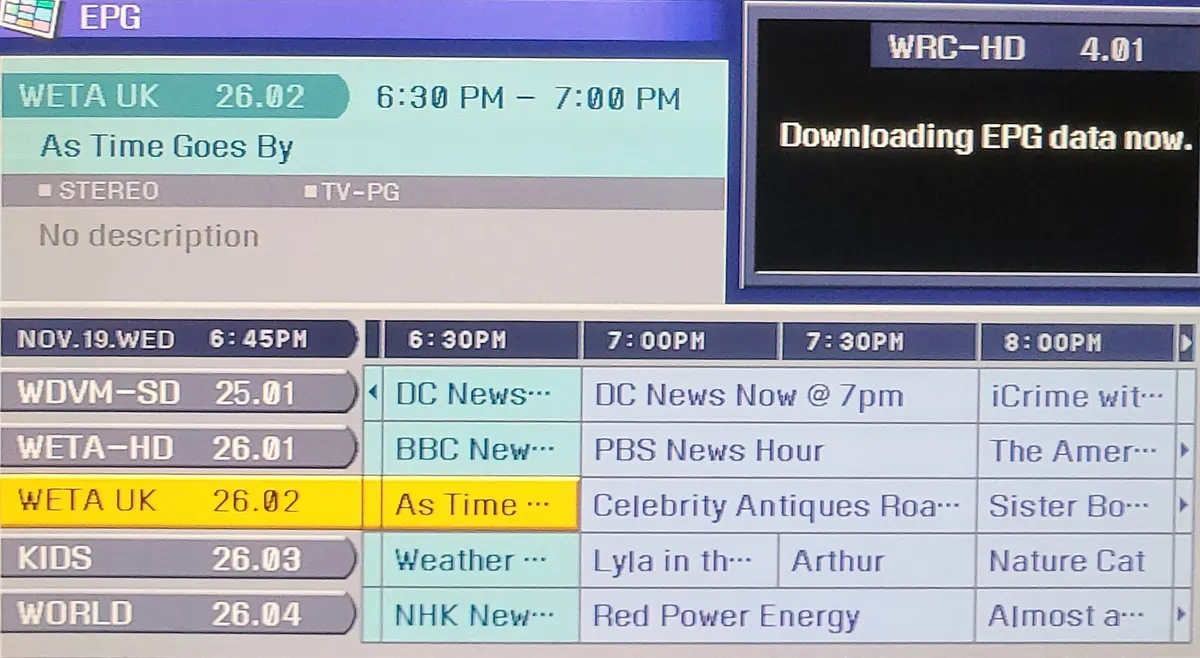
- Guides may be incomplete. Not every channel has programme data.
These are inherent to public streams, not faults in your setup.
Legitimate public streams versus unauthorised lists
iptv-org's focus on publicly available streams distinguishes it from lists that include paid premium channels. Those lists are very unlikely to be authorised and carry legal, security and reliability risks. Our article on free IPTV explains the difference in more detail. Laws vary by country, and in some places a TV licence may still be needed for live TV.
Contributing and reporting
Like many open-source projects, iptv-org accepts contributions through GitHub, such as reporting broken links or suggesting additions, under its contribution guidelines. Rights holders can use the project's stated process to request removal of links.
Common mistakes
- Loading the entire global playlist on a low-powered TV device.
- Using a copy of the playlist from an unofficial website instead of the official link.
- Expecting subscription channels to appear.
- Assuming a broken channel means the whole list is broken.
A worked example
A traveller wants to watch openly available news from their home country while abroad. They open the iptv-org country playlist for that country in VLC on a laptop. Several channels are geo-blocked from their current location, but two public news streams work. They save those to a short personal playlist for quick access.
Checklist
- Use links from the official GitHub pages only.
- Choose a small, focused playlist.
- Expect some broken or geo-blocked channels.
- Add a guide where available.
- Check local rules on live TV.
Key terms
- M3U: the playlist format used by the project.
- EPG: programme guide data.
- Geo-blocking: limiting streams to certain countries.
Using iptv-org on a TV
Large playlists can overwhelm low-powered streaming sticks. On a TV, start with a single country or category playlist, add it to a player that supports favourites, and keep only the channels that work well for you. If your player supports XMLTV guides, check the project's guide resources for matching programme data. For many viewers, a short list of reliable public channels on the TV, plus a laptop for occasional exploration, is the most comfortable approach.
Why the project matters
Projects like iptv-org make openly available television easier to discover, especially international and regional channels that are hard to find otherwise. They also show how open collaboration can organise a messy landscape: contributors report broken links, suggest new public streams and maintain the tools that generate playlists and guide data. For viewers, the value is a free, transparent starting point; for developers, it is structured data to build on.
Alternatives to explore
If you enjoy public channels, also check free ad-supported services built into your TV and official broadcaster apps, which often offer better reliability and full programme guides for their own channels.
Checking channel status
Some community tools test whether playlist links are online. Running such a check before adding a list to a TV saves time scrolling past dead channels.
Frequently asked questions
Is iptv-org legal?
The project focuses on publicly available streams and offers a removal process. Using openly published streams is generally legitimate, but laws vary by country.
Why do iptv-org channels stop working?
Broadcasters change, restrict or remove their public streams, and lists update over time.
How do I add iptv-org to my TV?
Copy a playlist link from the official page and add it to an IPTV player or Kodi on your TV device.
Is iptv-org the same as iptv.org?
People often type the name in different ways. Always use the project's official GitHub pages to find the correct links.
Summary
iptv-org is an open-source collection of publicly available TV streams, organised into focused playlists with related guide and data resources. Use official links, choose small lists, expect broken and geo-blocked channels, and remember that it is not a source of premium channels.