An IPTV encoder is a device or piece of software that takes a video signal, such as the HDMI output of a camera or set-top box, compresses it, and sends it over an IP network as a stream. It is the first step in any system that distributes live video over a network, from hotel and campus TV systems to live event streaming and digital signage.
This guide explains how IPTV encoders work, the codecs and protocols they use, the difference between hardware and software encoders, and the specifications that matter when choosing one.
What an IPTV encoder does
Every encoder performs three jobs:
- Captures a video and audio signal from an input such as HDMI, SDI or composite.
- Compresses it with a codec such as H.264 or H.265 (HEVC), reducing the data rate dramatically.
- Packages and transmits the stream over the network using a protocol that receivers understand.
On the other end, a decoder, set-top box, smart TV app or software player receives and displays the stream.
Common inputs
| Input | Typical source | Notes |
|---|---|---|
| HDMI | Cameras, PCs, media players | Most common for affordable encoders |
| SDI | Professional cameras and broadcast gear | Longer cable runs, locking connectors |
| Composite or component | Older equipment | Standard definition only |
| IP input | Another stream | Used for transcoding or re-streaming |
Our guides to the HDMI IPTV encoder and the SDI IPTV encoder go into each input type.
Codecs
- H.264 (AVC) is the most compatible codec and plays on almost every receiver.
- H.265 (HEVC) roughly halves the bitrate needed for similar quality and is preferred for 4K, but receivers must support it.
- MPEG-2 still appears in older broadcast systems that require it.
Choosing a codec is a balance between bandwidth and compatibility with the screens and players that will receive the stream. In mixed environments with older TVs or set-top boxes, H.264 is usually the safe default, with H.265 reserved for newer receivers or 4K channels.
Streaming protocols
| Protocol | Typical use |
|---|---|
| UDP / RTP multicast | Distributing channels across a local network to many TVs |
| UDP / RTP unicast | Point-to-point delivery on a local network |
| RTMP | Sending a stream to a streaming platform or media server |
| RTSP | Camera-style streaming to compatible players and recorders |
| HLS | Delivery to browsers and apps over HTTP |
| SRT | Reliable, low-latency transport over the public internet |
Many encoders can output several protocols at once, for example multicast for a local TV system and RTMP for an online stream.
Hardware versus software IPTV encoders
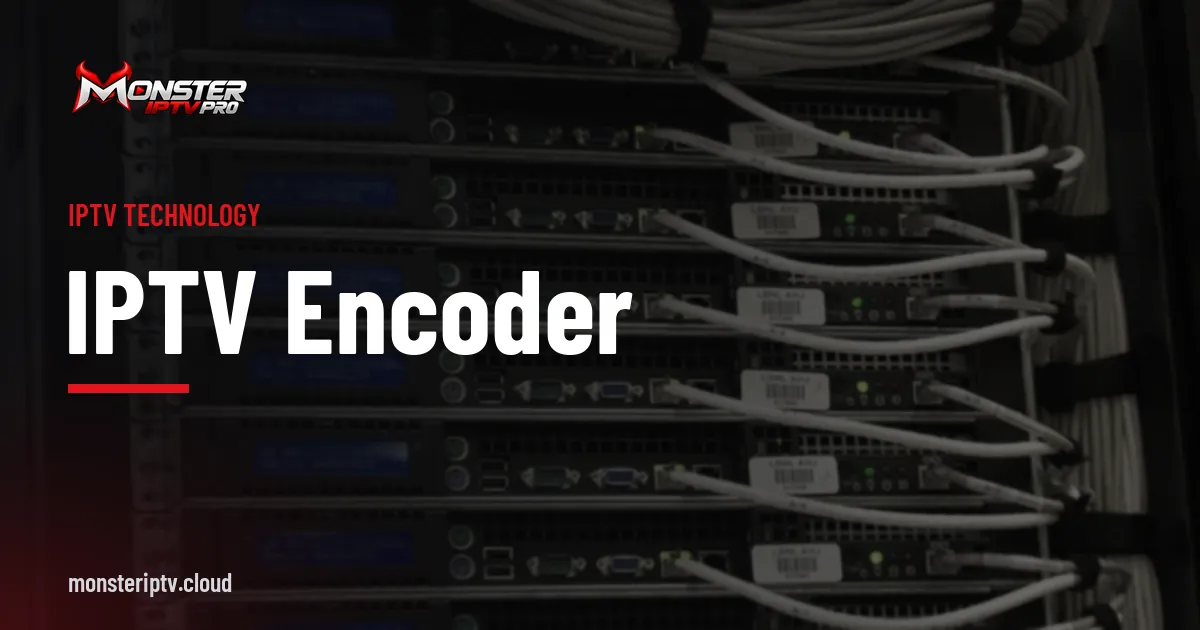
Hardware encoders are dedicated boxes or rack units with built-in inputs and encoding chips. They are reliable, run continuously, use little power and are managed through a web interface. They suit permanent installations such as hotels, hospitals and campuses.
Software encoders run on a computer, using tools such as OBS Studio or FFmpeg together with a capture card. They are flexible and inexpensive for occasional events, but depend on the computer's reliability and need more maintenance.
Key specifications to compare
- Channels per unit: single-channel boxes or multi-channel units with 4, 8 or more inputs.
- Resolution and frame rate: up to 1080p60, or 4K for UHD models.
- Codecs supported: H.264 at minimum; H.265 for efficiency and 4K.
- Protocols: multicast for local distribution, plus RTMP, HLS or SRT for online delivery.
- Bitrate control: CBR and VBR modes, with adjustable bitrate and GOP length.
- Latency: important for live events and interactive uses.
- Audio: embedded HDMI or SDI audio, analogue inputs and AAC encoding.
- Management: web interface, SNMP or API control, and firmware updates.
- Form factor and power: compact boxes, 1U rack units, and PoE options.
Our best encoder for IPTV buying guide turns these into a decision checklist.
Where IPTV encoders are used
- Hotels, hospitals and campuses, feeding a building's TV system through an IPTV headend.
- Houses of worship and event venues, sharing services to overflow rooms or online.
- Digital signage, sending content to screens across a site.
- Corporate communications, distributing presentations and live briefings.
- Live streaming, sending camera feeds to online platforms.
Setting up an IPTV encoder: the basics
Most installations follow the same pattern. The encoder is connected to its source and to the network, given a fixed IP address, and configured through a web interface. You then choose the codec, resolution, bitrate and output protocol, and test the stream in a software player such as VLC before adding receivers. In larger systems, the encoder's output is registered in a middleware platform so it appears as a named channel alongside others. Our guide on how to convert HDMI to IPTV walks through each step.
Content rights and HDCP
Encoders are for content you have the right to distribute. Many commercial sources, such as pay-TV boxes and disc players, use HDCP copy protection on HDMI, and compliant encoders will not capture protected signals. Redistributing broadcast or subscription channels across a building usually requires appropriate licences from the rights holders.
Frequently asked questions
What does an IPTV encoder do?
It captures a video signal, compresses it with a codec such as H.264 or H.265, and transmits it over an IP network using protocols such as UDP multicast, RTMP, HLS or SRT.
Do I need a hardware IPTV encoder?
For permanent, always-on systems, hardware is usually more reliable. For occasional events, a computer with a capture card and software encoder can be enough.
Is H.265 always better than H.264?
H.265 is more efficient, but every receiver must support it. H.264 is the safer choice when compatibility matters most.
Can an encoder stream to several destinations at once?
Many can, for example multicast on a local network and RTMP to an online platform at the same time. Check the model's specifications.
Why will my encoder not capture a cable box?
Most commercial set-top boxes use HDCP protection on HDMI, which compliant encoders will not capture.
Summary
An IPTV encoder is the bridge between a video source and an IP network. Choose the right inputs, codec and protocols for your receivers, decide between hardware and software based on how permanent the system is, and make sure you have the rights to distribute what you stream.