People searching for 4kiptvusa renewal usually want to extend an existing subscription before it runs out. Monster IPTV has no affiliation with any service using that name, and we cannot verify its renewal process, prices or website. What we can do is explain how to renew any IPTV subscription safely, because renewal time is when many customers run into problems: lookalike websites, changed prices, new login details or a service that no longer exists in the same form.
Why renewals go wrong
| Problem | How it happens |
|---|---|
| Paying the wrong site | Searching the brand name and clicking a lookalike result or advert |
| Changed terms | Price, devices or plan length differ from the original purchase |
| New login details | Renewal creates a new account that must be re-entered in your app |
| Lapsed access | Renewal processed late, causing a gap |
| Scam messages | Unknown contacts claiming your plan needs renewing urgently |
Step 1: confirm you are on the right site
Use the website address, contact or account page you used originally, ideally from a bookmark or your earlier receipt. Avoid clicking search adverts for the brand name. If the provider has moved to a new address, confirm the change through a contact you already trust.
Step 2: check what you are renewing
Before paying, confirm:
- Plan length and start date of the new period.
- Number of simultaneous devices.
- Total price and currency.
- Whether your login details stay the same.
- Refund terms if something goes wrong.
Step 3: renew before expiry
Renew a few days before your plan ends. If the provider's process takes time, early renewal avoids a gap in service during an important event.
Step 4: pay safely
Use payment methods with buyer protection where possible, never send full card details in chat, and keep receipts.
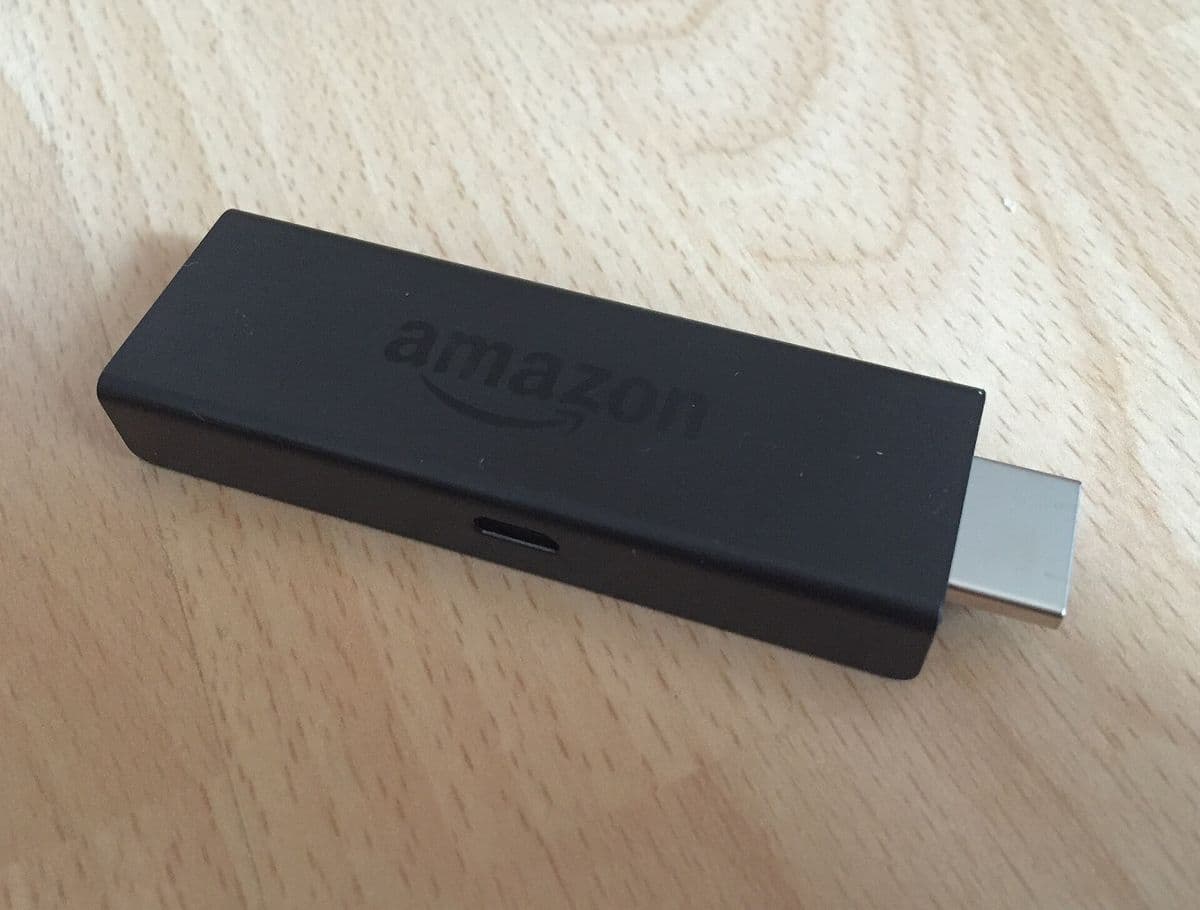
Step 5: update your apps if needed
If the renewal issues new details, update the profile in your player app on every device. Your favourites and settings usually live in the app, so they should survive the change.
Watch out for renewal scams
- Messages from unknown numbers saying your subscription must be renewed immediately.
- Links to payment pages that do not match the provider's usual address.
- Discounts that only apply if you pay through an unusual method.
When in doubt, contact the provider through a channel you already used.
When renewal is a good moment to review
Renewal is the natural time to check whether the service still suits you:
- Did it work reliably at the times you watch?
- Did support answer when you needed it?
- Do you still need the same number of devices?
- Would a longer plan lower your monthly cost, or a shorter one give flexibility?
If you cannot reach the provider
If the website has disappeared or nobody replies, do not send money to new contacts claiming to represent the service. Consider whether it is time to switch to a provider with clear terms and reachable support.
The legal side
Whether any IPTV service is lawful depends on its content rights and your local law. This is general information, not legal advice; see is IPTV legal?.
Common mistakes
- Renewing on the first search result rather than the original site.
- Leaving renewal to the last minute.
- Forgetting to update login details on secondary devices.
- Ignoring changes to the device limit.
A worked example
A customer's plan ends on Friday. On Tuesday, they open the provider's site from a saved bookmark, confirm that the renewal keeps the same login and two devices, and pay with a protected method. On Wednesday, they receive confirmation and check both TVs. When a message from an unknown number later offers a "renewal discount", they ignore it.
Checklist
- Use the original site or a trusted contact.
- Confirm plan details before paying.
- Renew a few days before expiry.
- Pay with protection and keep receipts.
- Update apps if login details change.
- Ignore unsolicited renewal messages.
Key terms
- Lookalike site: a website designed to resemble another brand.
- Expiry date: when your current access ends.
- Buyer protection: a payment provider's dispute process.
Renewing with Monster IPTV
Monster IPTV customers renew through the same WhatsApp or Telegram contacts used to order. Plans run for 1, 3, 6 or 12 months on 1 to 5 devices; see the pricing page or how it works.
Keeping renewal records
Create a simple note for each subscription: provider name, website or contact used, plan, devices, price paid, renewal date and payment method. Add a calendar reminder a week before expiry. With this information in one place, renewals take minutes, disputes are easier to resolve and you are much less likely to be caught by a lookalike site or a message from an unknown number.
If the price has changed
Prices sometimes change at renewal. Ask the provider to confirm the new price in writing, compare the monthly cost with your previous plan and with alternatives, and decide calmly rather than under time pressure. If the increase is large and unexplained, it may be a good moment to trial another provider before your current plan ends.
Renewing for several devices
If you need more or fewer devices than before, raise it at renewal rather than mid-plan. Confirm whether your existing login works with the new device count, and test every screen after the change.
Frequently asked questions
Is 4kiptvusa renewal handled by Monster IPTV?
No. Monster IPTV has no affiliation with any service using that name.
How do I know I am renewing on the right website?
Use the address from your original purchase or a bookmark, not a search advert.
Will my channels and favourites stay after renewal?
Favourites usually live in your player app. If login details change, update them in the app.
What if I renew late?
You may lose access until the renewal is processed. Renew a few days early.
Should I renew for longer?
Only if the service has been reliable for you. Longer plans usually cost less per month but require more upfront.
Summary
A 4kiptvusa renewal, or any IPTV renewal, should be done through the original site or a trusted contact, a few days before expiry, with terms confirmed and a protected payment method. Update your apps if details change and ignore unsolicited renewal messages.