You have found an IPTV provider that looks promising. Before you pay, it is worth spending an hour checking it properly. A few simple steps reveal most of what you need to know about transparency, reliability and how you will be treated if something goes wrong.
This guide is a step-by-step due-diligence routine for a single provider. If you are still comparing several, start with our guide to comparing IPTV providers.
Step 1: identify who runs it
Look for:
- A business or brand name used consistently across the site.
- Contact methods beyond a payment page, such as chat, email or messaging apps.
- Terms of service and a privacy policy.
An IPTV provider that hides who it is gives you little recourse if problems arise. Check that the same name appears on the website, in chat and on your payment receipt; mismatches are worth asking about.
Step 2: read the terms
Focus on the parts that affect you:
| Term | What to check |
|---|---|
| Plan length | Exactly when your access starts and ends |
| Simultaneous devices | How many screens can watch at once |
| Renewal | Automatic or manual, and any reminders |
| Refunds | Conditions and how to request one |
| Acceptable use | Rules on sharing login details |
If terms are missing or vague, ask before paying and keep the answers.
Step 3: check pricing and the monthly equivalent
Clear providers show the total price for each plan and the device count. Divide the total by the number of months to compare plans fairly. Be wary of prices that change during a chat or that are only revealed after you share personal details.
Step 4: confirm device and app support
Tell the provider your exact devices, especially smart TV brands and model years, and ask which player app they recommend. Check that the app is available in your device's store. Our IPTV app guide explains which apps run where.
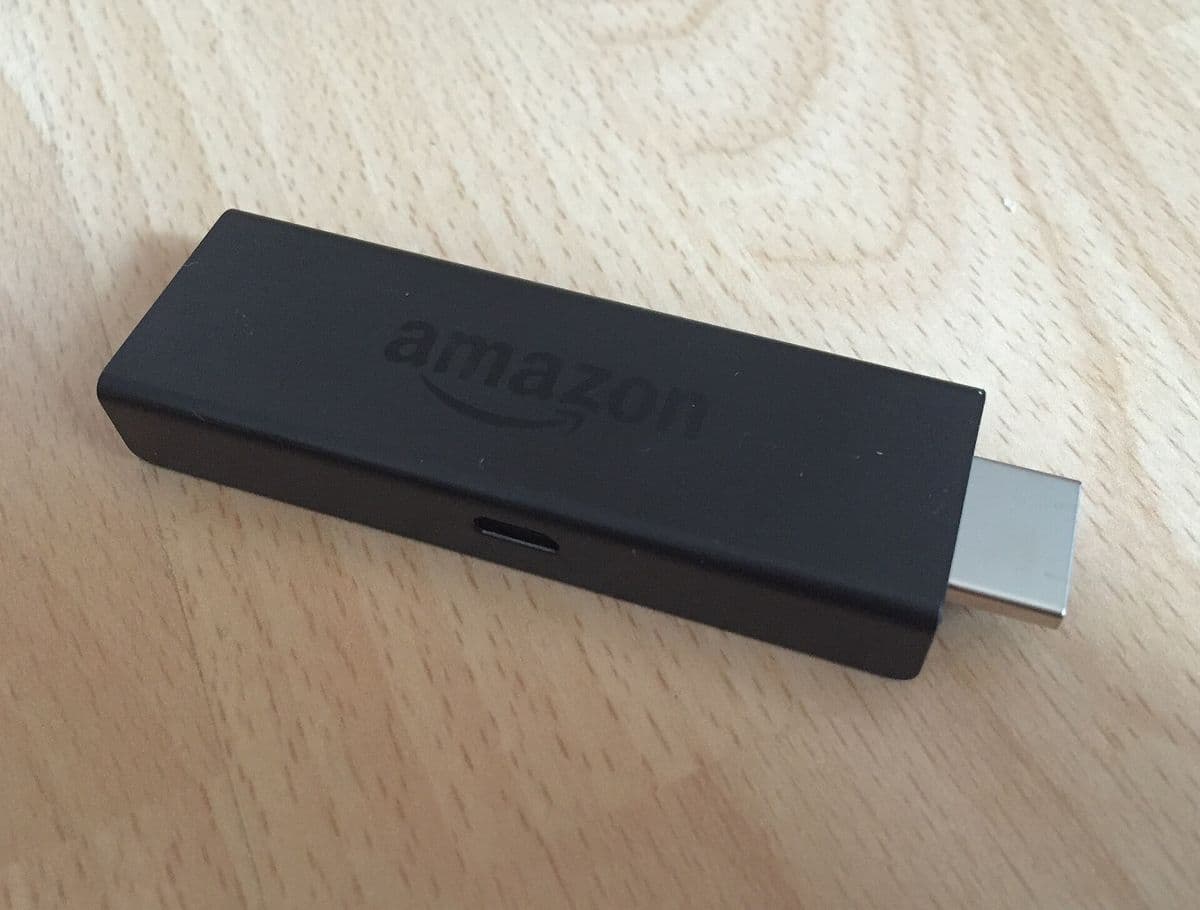
Step 5: run a proper trial
A trial is your most valuable check:
- Install the recommended app before the trial starts.
- Test your must-have channels on your main TV.
- Watch at peak times, such as weekday evenings.
- Test two screens at once if you need a multi-device plan.
- Check the programme guide loads correctly.
Our IPTV free trial guide has a full checklist.
Step 6: test support
Send a specific question, for example about renewal or device limits. Note how quickly and clearly you get a reply. Support before a sale is a good preview of support afterwards.
Step 7: pay safely
- Prefer payment methods with buyer protection.
- Never share full card numbers or passwords in chat.
- Keep a record of what you paid, for which plan and when.
- Start with a shorter plan until the provider has proven reliable.
Step 8: consider the legal position
Whether an IPTV provider is lawful depends on its content rights and your local law. Very low prices for large numbers of premium channels should prompt questions. This is general information, not legal advice; see our article on IPTV legality.
A worked example
Sam finds a provider offering plans for 1 to 5 devices. The site lists prices and terms, and support answers a renewal question within the hour. Sam's Samsung TV is a few years old, so Sam asks which app to use and installs it before requesting a trial. During the trial, two channels Sam watches daily play well at 8 p.m. on both the TV and a phone at once. Sam chooses a 3-month plan for 2 devices and pays with a protected method, planning to move to a longer plan later if the service stays reliable.
Provider checklist
- Operator identity and contacts found.
- Terms read, questions answered in writing.
- Monthly equivalent calculated.
- Devices and app confirmed.
- Trial completed at peak times.
- Support tested.
- Safe payment method chosen.
- Local law checked.
How Monster IPTV answers these checks
Monster IPTV publishes all plans and prices on its pricing page, explains ordering on how it works, offers a free trial and handles support over WhatsApp or Telegram. We encourage you to run these checks on us too.
Warning signs during the checks
Stop and reconsider if the provider:
- Refuses to say which apps or devices work.
- Will only accept untraceable payment methods.
- Pressures you to buy a long plan immediately.
- Gives different prices or terms each time you ask.
- Promises things no one can guarantee, such as zero buffering.
Any one of these is a reason to slow down; several together are a reason to walk away.
After you subscribe
Keep your login details and payment record together, note the plan's end date, and test a second device within the first few days if you bought a multi-device plan. Reporting problems early, with the device, app and channel involved, gives the provider the best chance to fix them quickly.
Keeping records
Save screenshots or copies of the plan description, price, terms and any promises made in chat. If a dispute arises, written records make it far easier to resolve, whether with the provider directly or through your payment provider's protection scheme.
Frequently asked questions
How long does it take to check an IPTV provider?
About an hour, plus the trial period. It is time well spent before committing money.
What is the biggest red flag in an IPTV provider?
No identifiable operator and no way to contact anyone except through a payment page.
Should I trust reviews of an IPTV provider?
Use them as one input. Your own trial on your own devices is more reliable than anonymous reviews.
Is a cheaper IPTV provider worse?
Not necessarily, but extremely low prices for premium content deserve scrutiny on legality and reliability.
Can I switch provider later?
Usually yes when your plan ends, which is why starting with a shorter plan is sensible.
Summary
Checking an IPTV provider takes an hour: identify the operator, read the terms, calculate real costs, confirm devices, run a trial, test support, pay safely and consider the law. A provider that passes these checks has earned a closer look.