If you have been asking what is IPTV, the short answer is this: IPTV (Internet Protocol Television) is television delivered over an internet connection instead of through an aerial, a satellite dish or a cable TV line. You watch it in an app on a smart TV, streaming stick, set-top box, phone or computer, and the video arrives as data packets, just like a web page or a video call.
That simple idea covers a wide range of services, from the TV packages offered by broadband companies to independent subscription services that you set up in a player app. This guide explains how IPTV works, what you need, and what to check before choosing a service.
What is IPTV, exactly?
IPTV is a delivery method, not a type of content. The channels, films and series you watch could be the same ones available elsewhere; what changes is how they reach your screen.
With traditional broadcasting, every channel is transmitted at once and your TV tunes into one of them. With IPTV, your device requests a specific stream and a server sends it to you over the internet. Because the content is sent on demand, IPTV services can offer both live channels and libraries of films and series that you start whenever you like.
Most IPTV services include three kinds of content:
- Live TV: linear channels that play on a schedule, like broadcast TV.
- Video on demand (VOD): films and series you can start at any time.
- Catch-up or time-shift: recently aired programmes you can rewatch, where the service offers it.
How IPTV works, step by step
Behind the screen, an IPTV service follows a fairly standard chain:
- Content is captured and encoded. Video from a source is compressed with a codec such as H.264 or H.265 (HEVC) so it can travel efficiently.
- Streams are packaged and served. The service splits video into small segments and makes them available from its servers, often using protocols such as HLS.
- Your app requests a stream. When you pick a channel, the player app asks the server for that stream and starts downloading segments.
- The player decodes and displays it. Your device decompresses the video and plays it, buffering a few seconds ahead to smooth out network hiccups.
A guide to channels and schedules, called an EPG (electronic programme guide), is usually delivered alongside the streams so your app can show what is on now and next.
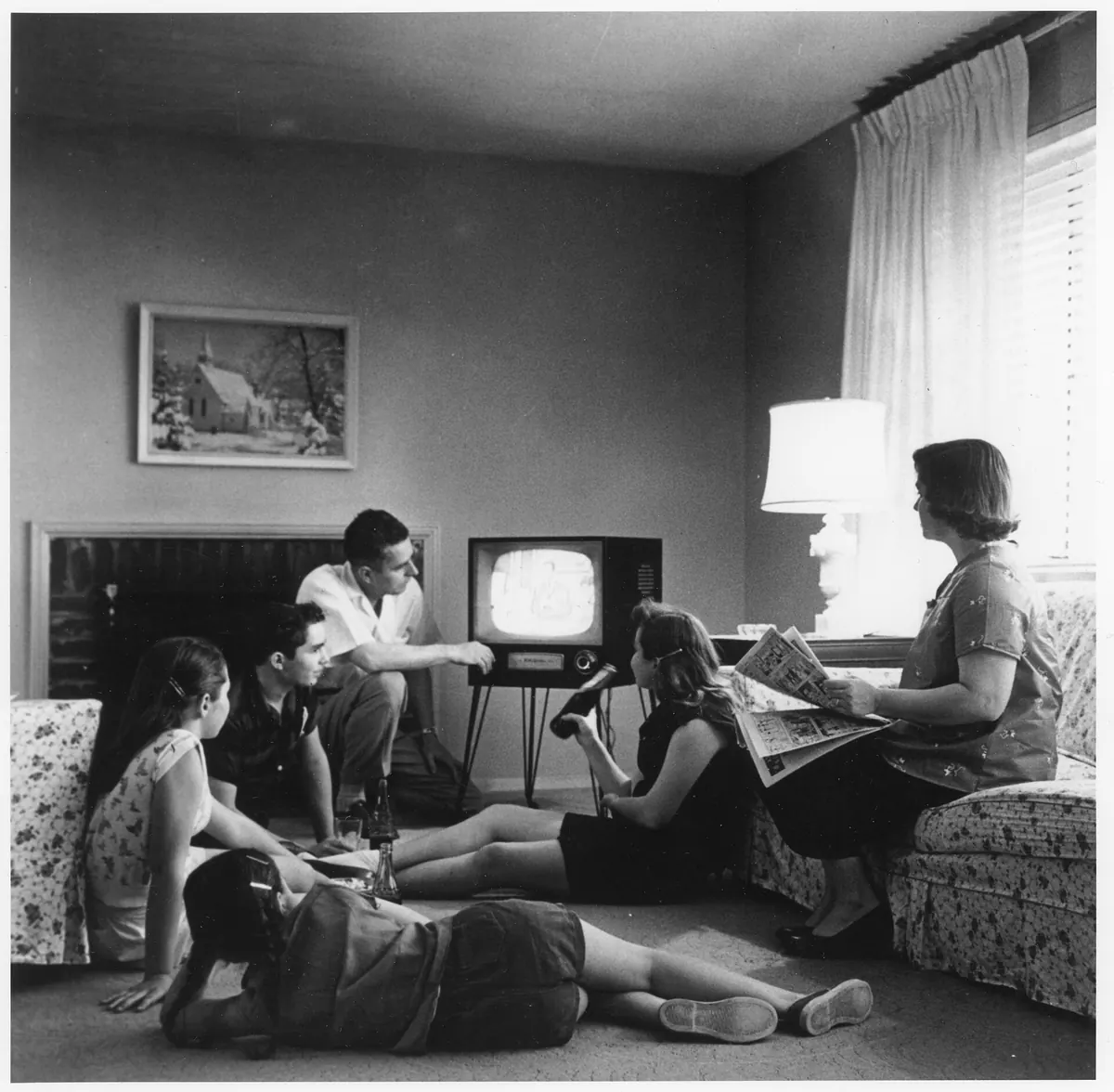
IPTV compared with cable, satellite and streaming apps
Here is how the main ways of watching TV compare in practice:
| Method | How it arrives | Equipment | Live channels |
|---|---|---|---|
| Aerial / terrestrial | Radio signal | Aerial and TV tuner | Yes |
| Satellite | Signal from a satellite | Dish and receiver | Yes |
| Cable | Dedicated cable network | Cable box | Yes |
| IPTV | Internet connection | App on a TV, stick, box, phone or PC | Yes |
| On-demand streaming apps | Internet connection | App | Mostly on demand |
The line between IPTV and on-demand streaming apps has blurred. The practical difference is that IPTV services focus on live, scheduled channels as well as on-demand content, and often let you choose the player app you use.
What you need to watch IPTV
You need three things:
- A compatible device. Common choices include Amazon Fire TV sticks, Android TV boxes, Samsung and LG smart TVs, Android phones, iPhones and Windows or Mac computers. See our supported devices guide for setup notes.
- A player app. IPTV services are usually watched through a third-party player such as IPTV Smarters or TiviMate. Our guide to choosing an IPTV player explains the differences.
- A stable internet connection. Stability matters as much as speed. A wired Ethernet connection or strong Wi-Fi near the router gives the smoothest playback.
You then enter the login details your provider sends you. These are typically either an Xtream Codes–style login (server address, username and password) or an M3U playlist link.
What to check before you subscribe
Understanding what IPTV is makes it easier to judge a service. Before paying, check:
- Device support. Does the service work with the device and app you already own?
- Connections. How many devices can watch at the same time on one plan?
- Trial availability. Can you test it on your own TV and connection first?
- Support. Is there a real person you can contact if setup goes wrong?
- Legality where you live. Laws differ by country, and whether a service is lawful depends on whether it holds the rights to the content it carries. Our article on whether IPTV is legal covers this in more detail.
Be cautious of services that promise impossible channel counts, guaranteed uptime or perfect picture quality. Real-world performance always depends on the source, your device and your connection.
Where Monster IPTV fits
Monster IPTV is a subscription service of this kind. Plans run for 1, 3, 6 or 12 months and cover 1 to 5 devices at the same time, and you can request a free trial before paying. Orders and setup help are handled over WhatsApp or Telegram, and you watch through a compatible player app. You can compare options on the Monster IPTV pricing page or read how ordering and setup work.
Frequently asked questions
Is IPTV the same as streaming?
IPTV is a form of streaming. The term usually refers to services that deliver live TV channels over the internet, often alongside on-demand films and series, rather than apps that only offer on-demand libraries.
Do I need a special box for IPTV?
Not necessarily. Many smart TVs, streaming sticks, phones and computers can run IPTV player apps. A dedicated Android TV box or Fire TV stick is simply a convenient way to add apps to an older TV.
Does IPTV use a lot of data?
It can. Video uses far more data than browsing, and higher resolutions use more again. If your broadband has a data cap, check your usage after a few days of normal viewing.
Can IPTV work without the internet?
No. IPTV depends on an internet connection to deliver every stream. If your connection drops or slows, playback will stop or buffer until it recovers.
The bottom line
So, what is IPTV? It is television delivered over the internet to an app on your device, with live channels, on-demand content and a programme guide. It replaces dishes and cable boxes with a player app and a broadband connection. The experience depends on the service, your device and your network, so the best approach is to test before you commit.