App store listings with names like live tv hd iptv player for entertainment 24 7 are common. Developers pack popular search words into titles so their apps appear for as many searches as possible. The name tells you very little about what the app actually does, who made it or whether it is any good. Monster IPTV is not affiliated with any app using this name.
This guide explains why app names look like this, what such players generally do, what they cannot do, and how to judge a listing before you install it.
Why app names are packed with keywords
App stores rank apps partly by how well their titles match searches. A title containing "live TV", "HD", "IPTV player", "entertainment" and "24 7" can appear in many different searches. That is a marketing tactic, not a description of quality or content.
| Word in the title | What it usually means in reality |
|---|---|
| Live TV | The app can play live streams you provide |
| HD | It can display HD if the stream is HD |
| IPTV player | It plays M3U playlists or Xtream logins |
| Entertainment | Store category or marketing word |
| 24 7 | Marketing; says nothing about any service's availability |
What a live TV HD IPTV player for entertainment 24 7 app usually does
Most apps of this type are standard players:
- They load an M3U playlist or Xtream Codes login that you supply.
- They show channels, sometimes with a programme guide.
- They play streams and may store favourites.
They do not include licensed channels. If an app claims to provide premium channels by itself, treat that as a serious warning sign.
How to judge the listing before installing
- Developer: Is there a name, website and support email?
- Updates: When was the app last updated?
- Permissions: Does it ask for access unrelated to video playback?
- Reviews: Do recent reviews mention specific features and devices?
- Pricing: Are there adverts, subscriptions or in-app purchases?
- Content claims: Does it promise free premium channels?
Red flags
- Promises of free sports or film channels.
- Requests for contacts, messages or call logs.
- Very aggressive advertising.
- No developer contact or privacy policy.
- Many near-identical apps from the same developer.
Better-known alternatives
If you are unsure about a keyword-heavy listing, compare it with established players:
| Player | Best for |
|---|---|
| IPTV Smarters Pro | Wide platform coverage |
| TiviMate | Android TV with a traditional guide |
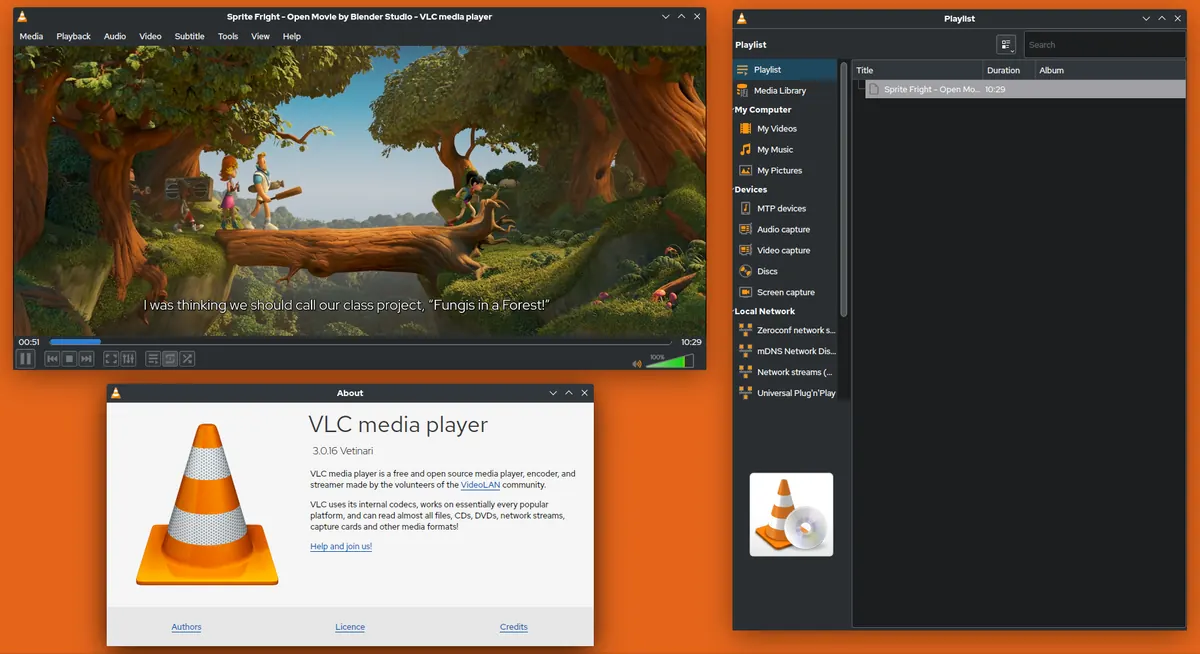
| VLC | Testing playlists and links |
| Kodi | Full media centre on PCs and Android TV |
Our IPTV player guide explains the features that matter, and our article on IPTV smart player apps covers another crowded name.
Setting up any player safely
- Install from the official store only.
- Enter your own login or playlist from a provider you trust.
- Check the app's settings for buffer size and guide refresh.
- Remove the app if it behaves unexpectedly or shows intrusive ads.
Mistakes to avoid
- Choosing an app because its title matches your search.
- Assuming "HD" in the name guarantees HD picture.
- Granting unnecessary permissions.
- Paying for upgrades expecting channels to be included.
A worked example
A viewer searching for a live TV player installs an app with a long keyword title. It shows full-screen adverts every few minutes and asks for contact access. They uninstall it, install an established player from the same store, and load their provider's playlist without problems.
Checklist
- Ignore the title; read the listing details.
- Check developer, updates, permissions and reviews.
- Avoid apps promising free premium content.
- Compare with an established player.
- Use your own authorised login or playlist.
Key terms
- App store optimisation: techniques developers use to rank higher in store searches.
- Permissions: access an app requests to your device's data or features.
- Playlist: a list of stream links, often in M3U format.
Using a player with Monster IPTV
Monster IPTV works with established third-party players, and support can recommend one for your device. See the supported devices page or request the free trial to test a player first.
How to compare two similar listings
Search results often show several near-identical apps. Open each listing and compare the developer name, last update date, number and recency of reviews, requested permissions and privacy policy. Install the one with the clearest information, test it with your own playlist and uninstall it if it misbehaves.
What "HD" really depends on
Whether you see HD has nothing to do with the app's title. It depends on the stream's source resolution, your internet connection and your device's ability to decode the codec. Any competent player can display HD when the stream is HD.
Uninstalling cleanly
If you remove an app, also clear its saved data and remove any playlist links you entered, especially if they contain login details.
Checking the privacy policy
A legitimate developer publishes a privacy policy explaining what data the app collects and why. If a listing has none, or the policy describes collecting far more than a video player needs, choose a different app. Data collected by free apps is often used for advertising, so consider whether a paid, ad-free player is better value.
Frequently asked questions
What is a live tv hd iptv player for entertainment 24 7 app?
It is usually a standard IPTV player whose title contains many search keywords. It plays streams you provide.
Does such an app include live TV channels?
Legitimate players do not include licensed channels; you add a playlist or login from a service.
Does "24 7" in the name mean the service is always available?
No. It is marketing wording in the app title, not a promise about any service.
Is it safe to install these apps?
Check the developer, permissions and reviews first, and install only from official stores.
What should I use instead?
An established player such as IPTV Smarters Pro, TiviMate, VLC or Kodi, depending on your device.
Summary
A live tv hd iptv player for entertainment 24 7 listing is usually a standard player with a keyword-packed name. Judge it by developer, updates, permissions and reviews, avoid promises of free premium channels and compare with established players before installing.