IPTV Pro is used in two different ways. It is the name, or part of the name, of several player apps, including a long-standing Android player called IPTV Pro. It is also a marketing label that sellers attach to plans to make them sound premium. The two have nothing to do with each other, and confusing them can lead to installing the wrong app or paying for a "pro" plan that is not what it seems.
This guide explains both meanings, the player features that genuinely deserve the word "pro", and how to check pro plan claims. Monster IPTV is not affiliated with any app or seller using the name.
Meaning 1: IPTV Pro as a player app
A player app called IPTV Pro has been available for Android, and other apps use "Pro" in their names, such as IPTV Smarters Pro or IPTV Extreme Pro. Like every player, these apps:
- Load channels from an M3U playlist or an Xtream Codes login.
- Show a programme guide where supported.
- Play streams and manage favourites.
- Include no channels themselves.
Often "Pro" marks a paid version of a free app, removing adverts or unlocking features. App names, versions and availability change, so check your device's store for current details.
Meaning 2: "Pro" as a plan label
Sellers sometimes market "IPTV Pro" plans. The label might suggest more channels, higher quality, extra devices or priority support, but there is no standard meaning. Always ask what the plan actually includes.
| Label claim | What to verify |
|---|---|
| "Pro quality" | Which resolutions, and on which channels? |
| "Pro channels" | Which categories and countries? |
| "Pro support" | How do you contact it, and how fast is it? |
| "Pro devices" | How many simultaneous streams? |
Player features that genuinely deserve "pro"
| Feature | Why it matters |
|---|---|
| Fast, searchable EPG | Find programmes quickly |
| Multiple playlists | Manage more than one service |
| Catch-up and recording | Watch on your schedule where allowed |
| Adjustable buffer and decoder | Fix playback on difficult networks |
| Multi-view | Watch several channels at once |
| Backup and restore | Keep your setup when changing devices |
| Parental controls | Protect younger viewers |
If a player offers these well, it is "pro" in practice, whatever it is called. Our IPTV player guide explains each feature.
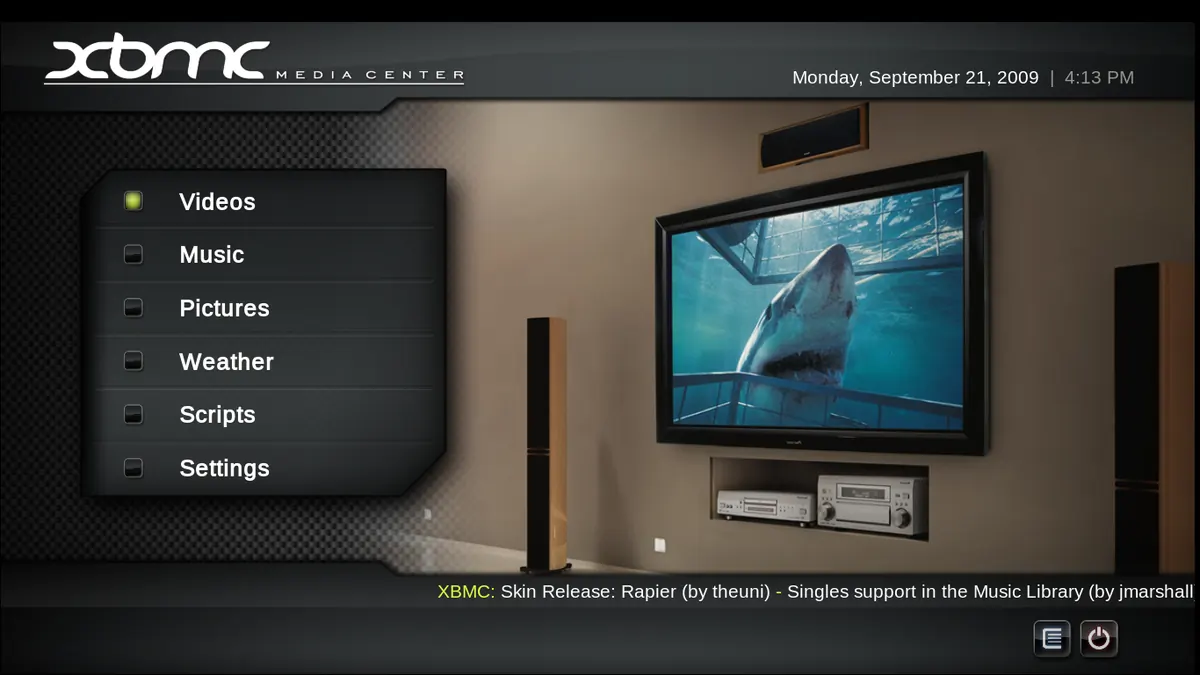
Installing a pro player safely
- Use your device's official app store.
- Check the developer name, update history and permissions.
- Avoid "modded" or "unlocked" versions from unofficial sites.
- Buy upgrades only through the official store or developer.
Checking a "pro" plan before paying
- Ask for a written description of the plan.
- Confirm simultaneous devices and plan length.
- Test with a trial at peak times on your main TV.
- Compare the monthly cost with non-pro plans.
- Check the provider's identity and terms.
Whether any service is lawful depends on its content rights and your local law; see is IPTV legal?. This is not legal advice.
Common mistakes
- Installing a similarly named app from an unknown developer.
- Paying for a pro player upgrade expecting it to include channels.
- Buying a "pro" plan without asking what it contains.
- Assuming "pro" means more devices.
A worked example
A viewer sees an advert for an "IPTV Pro" plan and separately finds an "IPTV Pro" app in the Play Store. They realise the two are unrelated. They install a well-reviewed player from the official store, ask the seller what the pro plan includes, and discover it allows only one device. They choose a clearer 2-device plan from another provider after a trial.
Checklist
- Separate the app meaning from the plan meaning.
- Install players from official stores.
- Judge players by real features.
- Get pro plan details in writing.
- Test before paying.
Key terms
- Paid upgrade: a purchase that unlocks extra app features.
- Modded app: an unofficial altered version, often unsafe.
- Simultaneous streams: devices that can watch at once.
Using a pro player with Monster IPTV
Monster IPTV works with third-party players, and support can recommend one for your device. Plans are defined clearly by length and device count on the pricing page, with no vague labels.
Why "pro" is everywhere in IPTV
"Pro" is attractive in app stores and adverts because it suggests quality without committing to anything specific. That is why it appears on free apps, paid upgrades, reseller plans and even unrelated products. The useful habit is to translate the label into concrete questions: which features, how many devices, what support, what quality and at what monthly cost. Once you have those answers, you can compare offers fairly whatever they are called.
Choosing between free and pro versions of an app
Start with the free version and use it for a week with your own login. If you repeatedly wish for a specific feature, such as a second playlist or recording, and the pro version provides it, the upgrade is worth considering. If not, the free version may be all you need.
Updating pro apps
Keep paid player apps updated through the official store; updates often fix playback issues on new devices.
Reading reviews of pro apps
Look for recent reviews that mention your device model and describe specific features, not just star ratings. Reviews from people using the same login type as you are the most relevant.
Frequently asked questions
What is IPTV Pro?
It can be the name of a player app, or a marketing label for a plan. They are unrelated.
Does the IPTV Pro app include channels?
No. It plays streams from a playlist or service you provide.
Is a pro version worth paying for?
If it unlocks features you will use, such as multiple playlists or recording. It never adds channels.
What does a "pro" IPTV plan include?
There is no standard meaning. Ask the seller for a written description.
Is it safe to download IPTV Pro from websites?
Use official app stores. Unofficial downloads may contain malware.
Summary
IPTV Pro can mean a player app or a plan label. Install players only from official stores and judge them by real features; treat "pro" plans as marketing until the seller confirms what they include, and test before paying.