People search gogo iptv for different reasons. Some have seen a service using that name; others want to keep watching TV on the go, in hotels, on trains or on flights. The word Gogo is also associated with an in-flight internet brand; Monster IPTV has no information connecting any IPTV service to it, and we are not affiliated with any service or company using the name.
This guide focuses on watching TV while travelling: what works on different connections, what to check in your service's terms and how to prepare before you leave.
Connections while travelling
| Connection | What to expect |
|---|---|
| Hotel Wi-Fi | Varies widely; shared with many guests; some block streaming ports |
| Mobile data | Often good in cities; data allowances matter |
| Train Wi-Fi | Usually limited bandwidth shared by many passengers |
| In-flight internet | Often limited or restricted for streaming; check the airline's terms |
| Phone hotspot | Flexible but uses mobile data quickly |
Live TV needs a steady connection. Downloads are often more reliable than live streams when connections are weak.
Check your service's terms first
- Location: some services and many official apps restrict viewing outside certain countries under their licences.
- Device limits: a travel device counts as a connection when it plays.
- IP checks: some services block logins from unfamiliar networks or VPNs.
Read the terms before relying on a service abroad.
Hotel Wi-Fi tips
- Connect a streaming stick to the hotel TV if the TV allows external HDMI devices.
- Some hotel networks need you to accept terms in a browser first, which sticks cannot always do; your phone's hotspot can help.
- Use 5 GHz Wi-Fi if available.
- Expect slower speeds in the evening when many guests are online.
- If Ethernet is available in the room, use it.
Mobile data tips
- Check your data allowance and roaming charges.
- Lower stream quality in your player if possible.
- Prefer Wi-Fi for long viewing.
In-flight connections
In-flight internet is shared between passengers and may limit or block video streaming. Policies differ by airline and plan. For flights, download films and series from official apps before you travel instead of relying on live streams.
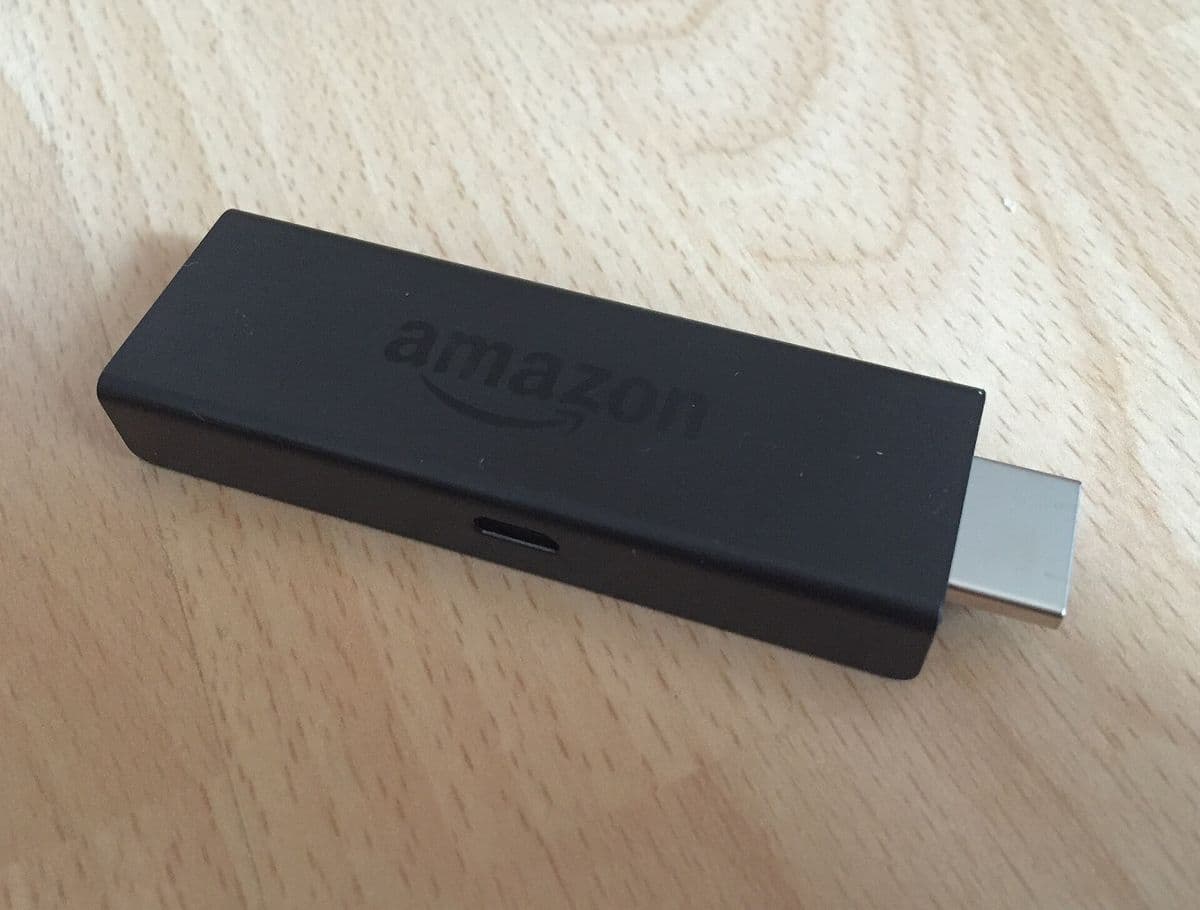
What to pack
- A streaming stick and its power adapter.
- A short HDMI extension cable for awkward TV ports.
- A travel router, if you often stay in hotels with captive portals.
- Headphones for phones and tablets.
Watching official apps abroad
Many broadcaster and streaming apps restrict viewing outside their home country, and their terms may prohibit bypassing those restrictions. Some services offer downloads you can watch abroad. Check each service before travelling. Our guide to the best VPN for IPTV discusses VPNs and their trade-offs, including service terms.
Security on public networks
- Prefer HTTPS websites and apps.
- Avoid entering payment details on public Wi-Fi when possible.
- Keep device software updated.
- Do not leave streaming sticks logged in when you check out.
Checking an unfamiliar service called gogo iptv
If you are considering a service using this name, identify the operator, read the terms, test with a trial and pay with a protected method. Our service research guide gives a full checklist.
Planning viewing across time zones
Live events shift when you travel. Check start times in your destination's time zone, and remember that your player's programme guide may follow the device's time zone setting. If guide times look wrong after a flight, update the device time zone or the guide offset in your player.
Keeping costs down abroad
Mobile data roaming can be expensive. A local SIM or eSIM with a data plan, or relying on Wi-Fi, keeps costs predictable.
Common mistakes
- Assuming a home service works the same abroad.
- Relying on in-flight internet for live TV.
- Forgetting the streaming stick's power adapter.
- Leaving your login on a hotel TV.
A worked example
A traveller wants to watch the evening news in hotels. Before the trip they check their service's terms on travel, download a few programmes for the flight and pack a streaming stick. In the hotel, the TV accepts HDMI, but the Wi-Fi requires a browser login, so they use their phone's hotspot to sign in a travel router and the stick connects through it.
Checklist
- Check service terms for travel.
- Download content for flights.
- Pack a streaming stick and adapter.
- Prefer Ethernet or 5 GHz Wi-Fi.
- Log out before checking out.
Key terms
- Captive portal: a web page you must accept before using public Wi-Fi.
- Roaming: using mobile data in another country.
- Travel router: a small router that shares one connection with your devices.
About Monster IPTV
Monster IPTV works with third-party players on phones, tablets and streaming sticks. Check device limits and terms before travelling; see pricing and the supported devices page.
Before you leave home
Test your setup on your phone's hotspot at home to mimic a weak hotel connection. If streams struggle, lower the quality setting or plan to download more content before the trip. Check the renewal date too, so your service does not expire while you are away.
Charging and power
Hotel TVs' USB ports often cannot power a streaming stick properly. Pack the stick's own power adapter and a plug adapter for the country you are visiting, so the device does not restart during playback.
Frequently asked questions
Is gogo iptv affiliated with Monster IPTV?
No. Monster IPTV has no affiliation with any service or company using that name.
Can I watch live TV on a flight?
In-flight internet is often limited for streaming; download content beforehand.
Why won't my streaming stick connect to hotel Wi-Fi?
Many hotels use captive portals; a travel router or phone hotspot can help.
Do services work abroad?
Some do, but many restrict viewing by country. Check the terms.
Does a travel device count toward my plan?
Yes, when it plays at the same time as other devices.
Summary
Whether you are looking at gogo iptv or simply want TV while travelling, check your service's terms, download content for flights, pack a streaming stick and adapter, use the best available connection and log out before leaving.